Back to the battlefield.
A new engine for the original Z: the demo, or the full game with its campaign. The game data are required separately.
macOS 26+ · Apple Silicon · 2.4 MB ZIP
Alpha · 6 Nov 2026
Windows · 64-bit · 3.3 MB ZIP
Alpha · 6 Nov 2026
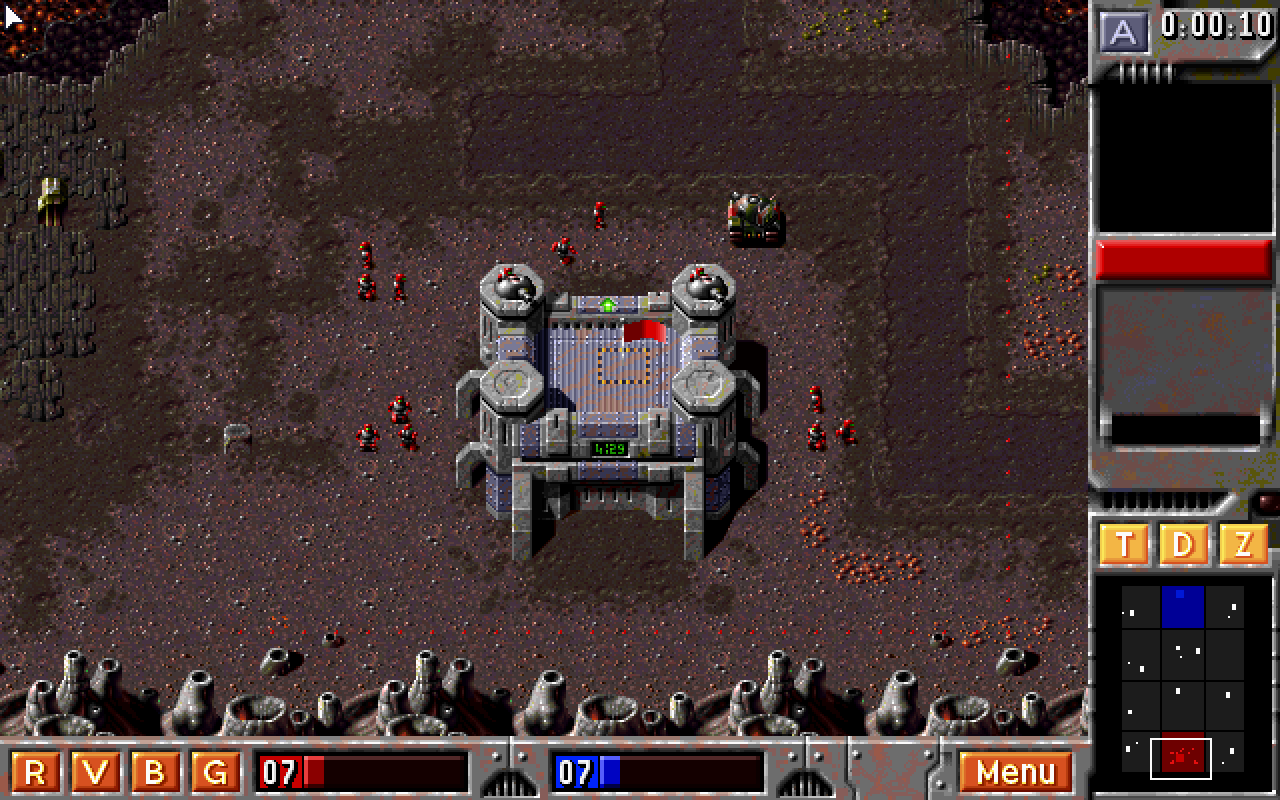
How to start
The download contains the ZETA engine only. No original game data are included.
- Download Zeta. Unzip it and open
Zeta.appon macOS orzeta.exeon Windows. - Bring your copy of Z. For the DOS demo, the wizard opens the external demo download page; download and extract the entire ZIP, including the
LEVEL06andAUDIOfolders. For the full game, use an installed copy or the original CD, as a folder or an.iso/.cueimage. - Choose the folder. In Zeta, select Choose Z folder, then Start game. You can also drag the folder or the CD image onto the window; a CD is unpacked into your user data once.
Keep the game folder: Zeta reads it each time you play and remembers its location. To switch to the full game later, drop its folder or CD image on the main menu, or press F3 there. Use a copy you are entitled to use; its original terms apply. Remakes are not supported.
Early test build. Gameplay fidelity is still being refined.
Requirements & first launch
macOS 26+ · Apple Silicon. Signed with Developer ID and notarized by Apple. Open Zeta.app; you can also drag it to Applications.
Windows · 64-bit. Extract the ZIP and open zeta.exe.
Windows SHA-256 checksum
Controls
Left click Select a squad or your building; with a selection, give an order
Left drag Box-select squads when nothing is selected
A Select every squad in view
Right drag Scroll the map Hold right Deselect
Arrows Scroll; so does the mouse at the screen edge (WASD is not used)
R V B G Panel buttons: cycle robots, vehicles, buildings, guns
P Pause Esc Game menu M Mute F2 Screenshot
S Save L Load (full game, single player)
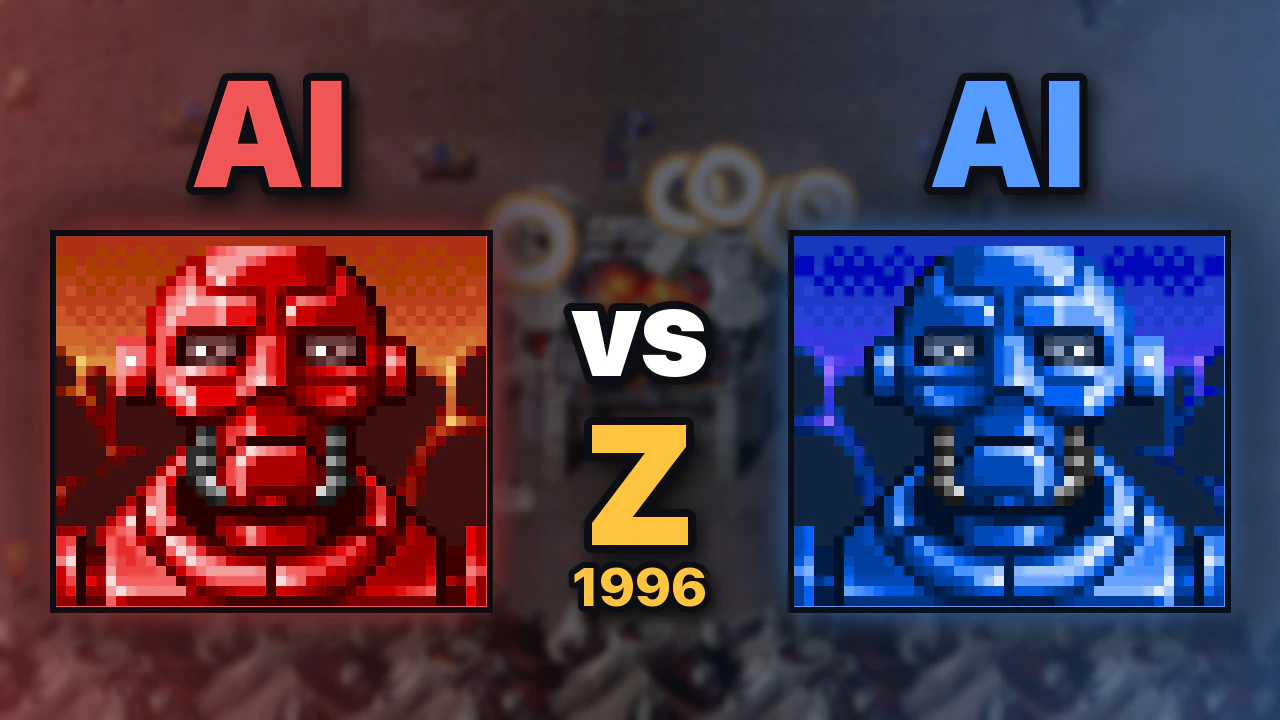
Two neural networks play Z against each other
Small networks learned the demo mission by playing it, inside this engine. The video follows one full match and shows, every two seconds, which options a squad weighed and which one it drew.
Watch the match on YouTube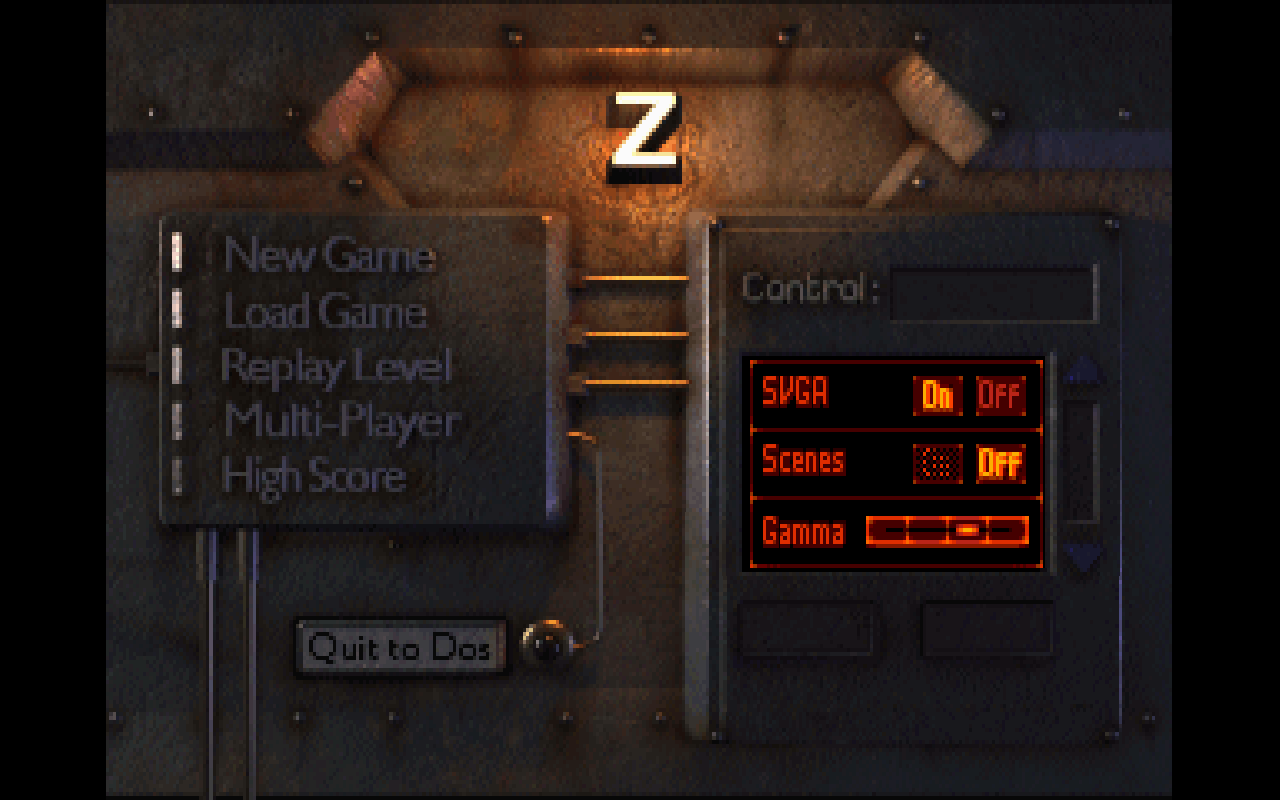
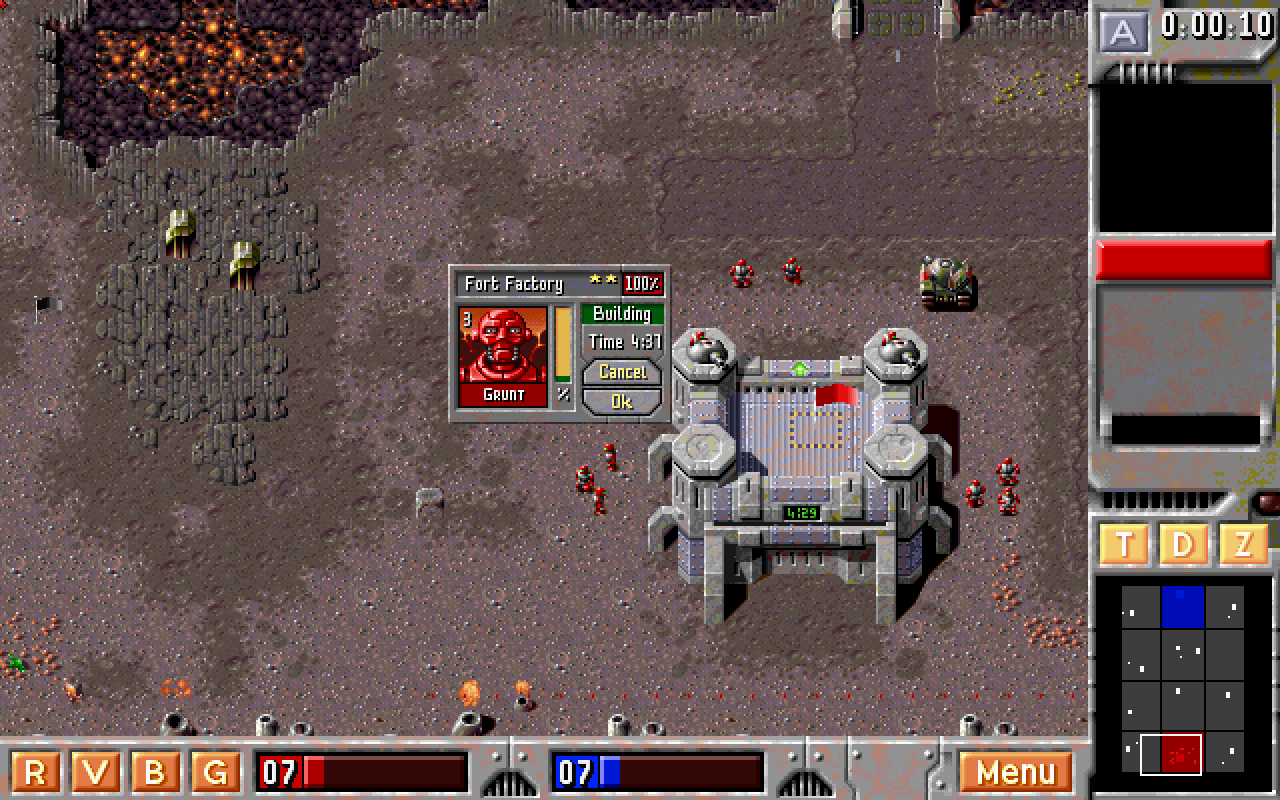
Development log
The full game: campaign, save games and multiplayer
New Mac and Windows test builds also run the full DOS version of Z: all 20 missions on five planets, installed straight from the original CD.
- Point Zeta at an installed full game or at the original CD, as a folder or an .iso/.cue image. It unpacks the CD once and plays the cutscenes from it.
- The full main menu works: New Game runs the campaign mission by mission, Save and Load keep a game, Replay Level reopens missions you have reached, and High Score keeps its table.
- The full game's vehicles, guns and units behave as in the CD build: A.P.C.s carry squads, cranes rebuild ruins and bridges, Pyros and Lasers fire their own weapons, and every planet has its own effects, animals and birds.
- Multi Player connects to a built-in server for two to four players. In its lobby you create a game or join one, everyone gets ready, and the player who created it starts the battle. A player who drops out can rejoin, and any player can pause the match.
- The radar, the unit portraits with their backgrounds and the name plates follow the original's layout. The Windows build has still not been tested on Windows.
Two neural networks play Z against each other
A side project: small neural networks learned to play the demo mission by playing it, and a video shows a full match between two of them with their decisions explained.
- Every two seconds each squad scores 17 options (keep its order, move to a territory, attack a nearby enemy group) with a 7,809-weight network and draws one; the pick becomes an ordinary order.
- Training started by copying a scripted bot, then reinforcement learning (PPO) over thousands of games against the original computer opponent, the bot, and earlier generations. The agents beat the original opponent in a 960-game round robin.
- Zeta runs these matches without a window, records every order, and replays a match frame for frame. The ordinary game is unchanged: the computer opponent still plays as in the original.
New alpha with the original controls
New Mac and Windows test builds play much closer to the original, including its mouse and keyboard controls.
- Controls follow the original: the left button selects and gives orders, holding the right button scrolls the map, and A selects every squad in view. WASD no longer moves the camera; use the arrow keys or push the mouse against the screen edge.
- Unit behaviour, the computer opponent, production, and radio reports now match the original much more closely throughout the mission.
- The macOS app is signed and notarized by Apple. The Windows ZIP contains a single executable. Original demo data are supplied separately on both platforms.
Mac and Windows alpha: closer to the original
New Mac and Windows test builds improve vehicle movement, radio portraits, and battlefield effects.
- Vehicles turn at the same moment as in the original; stationary tracks, wreck smoke, and radio gestures have also been corrected.
- The macOS app is signed and notarized by Apple. The Windows ZIP contains a single executable. Original demo data are supplied separately on both platforms.
First standalone test alpha
The Z demo is ready to try on Apple Silicon Macs running macOS 26 or later.
- One engine executable with built-in settings. Original demo data are supplied separately; the first-run wizard explains the download and folder selection.
- Movement, combat, menus, production panels, and unit animations are closer to the original.
- An early test build: gameplay fidelity is still being refined. Feedback is welcome.
The original demo is running
Zeta now starts from the original menu and loads the demo map into a working single-player game.
- Original terrain, buildings, units, interface, music, and sound effects load from the demo data.
- Movement, combat, production, territories, selection, minimap, and audio are working.
- Pathfinding is being tuned to follow the original game's routing more closely.
- WASD and arrow-key camera movement make it easier to navigate the map.