 TaskHunter
Track your time. Prepare your invoices.
Track work by client and project, set hourly rates and export reports for invoicing. Your time stays in sync across iPhone, iPad and Mac.
iOS 17+ · iPadOS 17+ · macOS 14+
On the App Store. No account, ads or tracking.
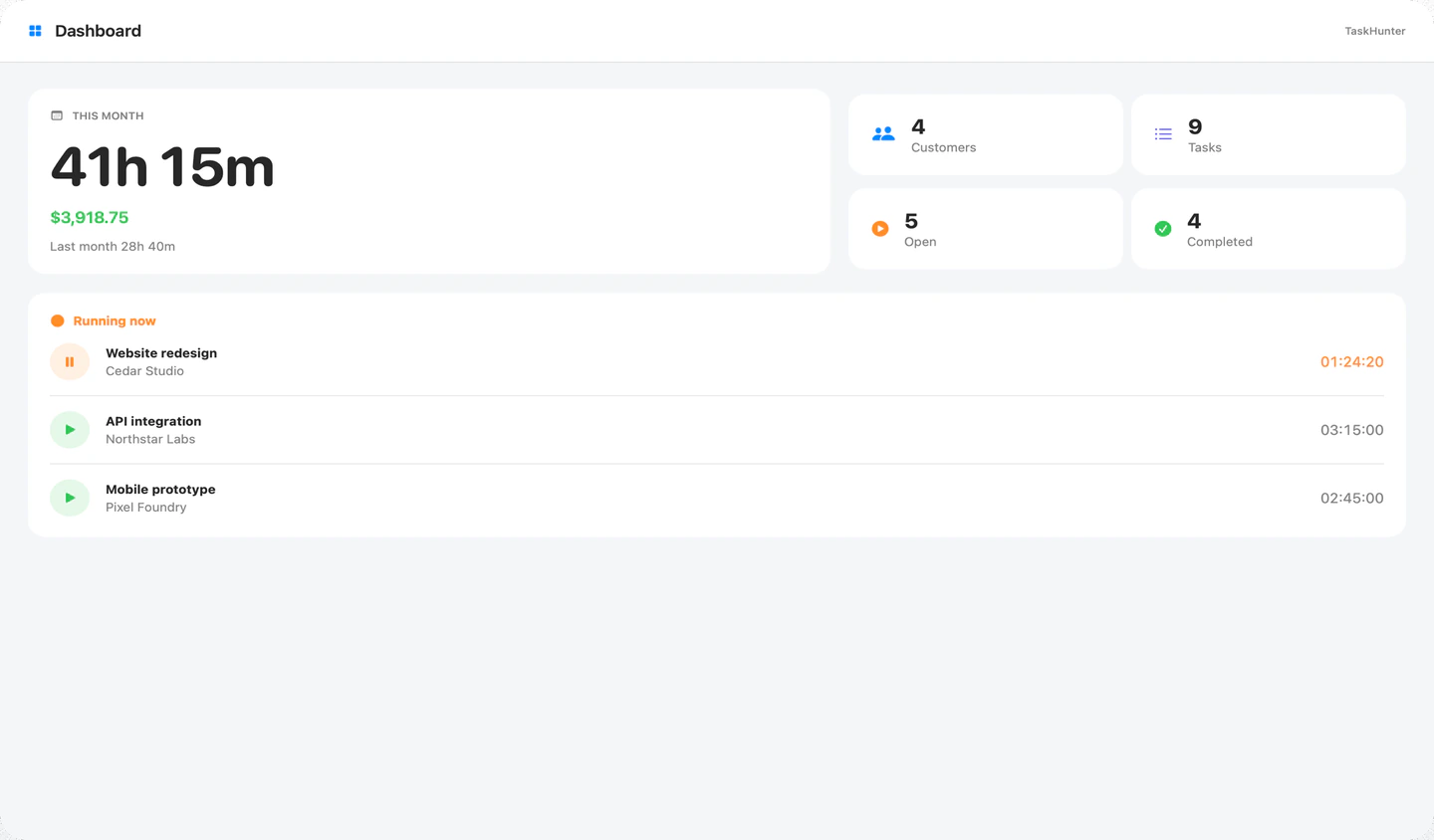
From tracked hours to a client report
Three parts of the same workflow, on whichever device is nearest.
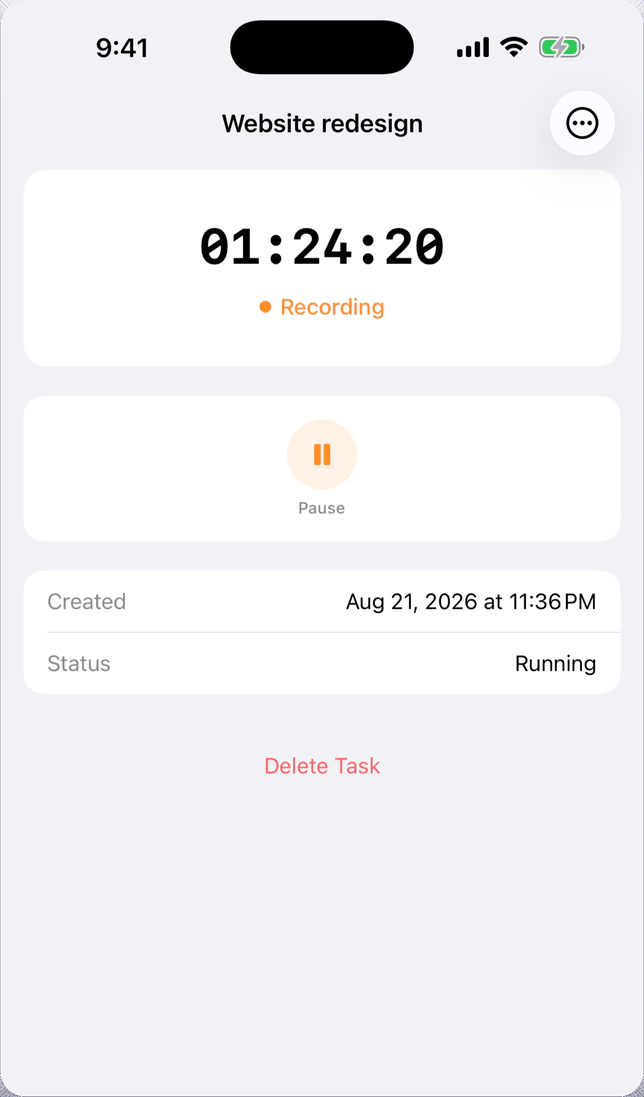
Track your work
Start, pause and finish a task with one tap. On Mac, control the timer from the menu bar.
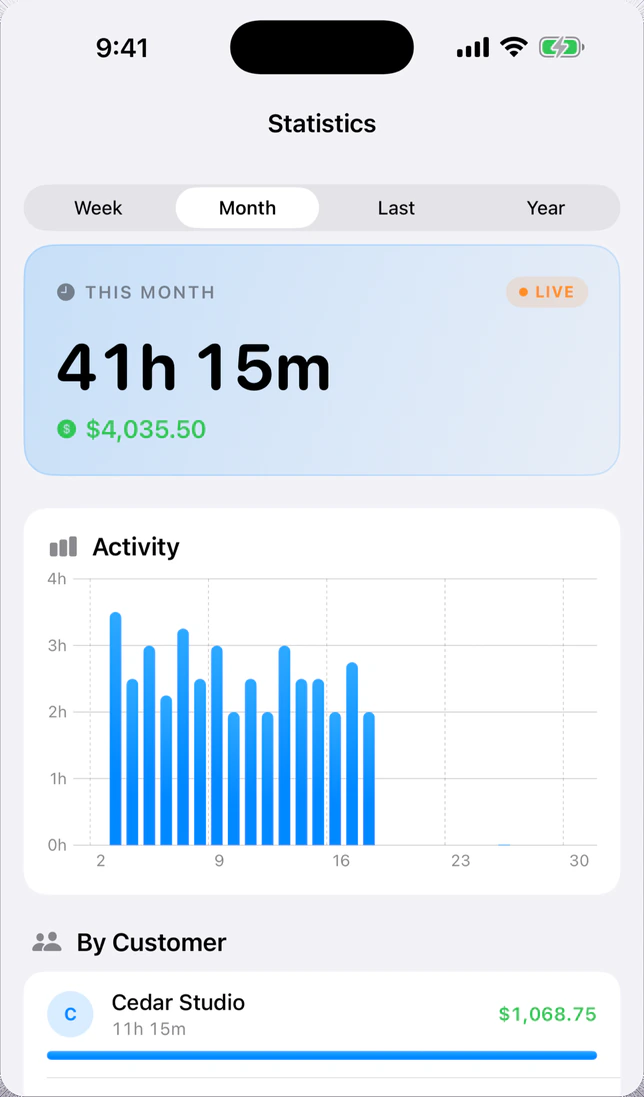
See hours and earnings
Set a rate for each client. Review weekly, monthly and yearly totals, with charts and a client breakdown.
Export for invoicing
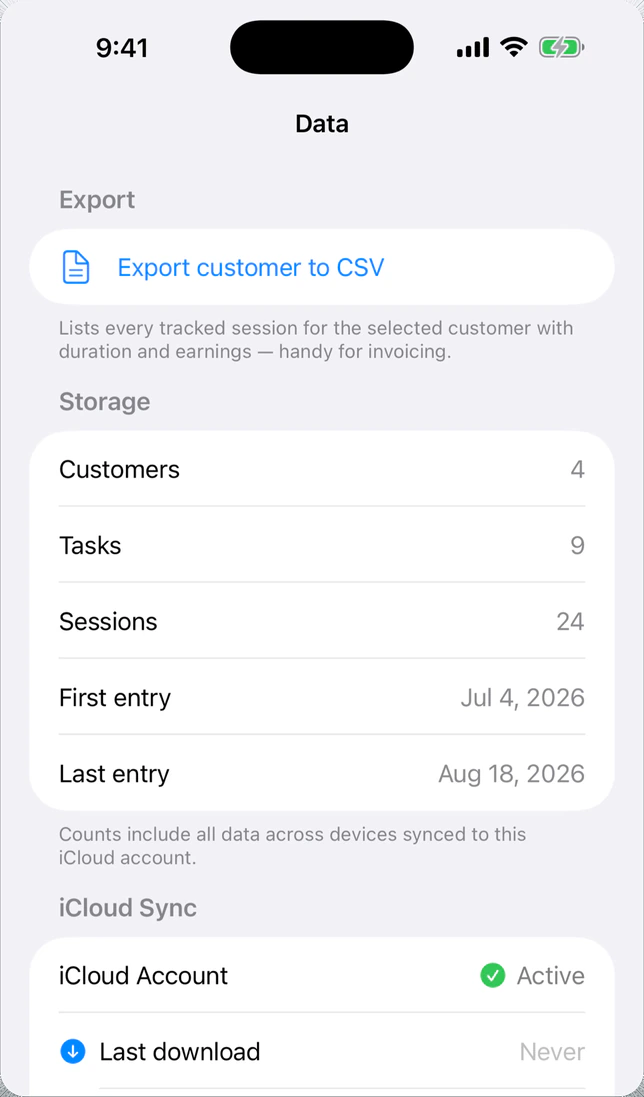
Export each client’s sessions, durations and earnings for your invoice or spreadsheet.
Rates, currencies and monthly comparisons
Clients can have different hourly rates and currencies. Totals are converted to your default currency using daily ECB reference rates. The dashboard compares the current month’s hours and earnings with last month.
Inside TaskHunter
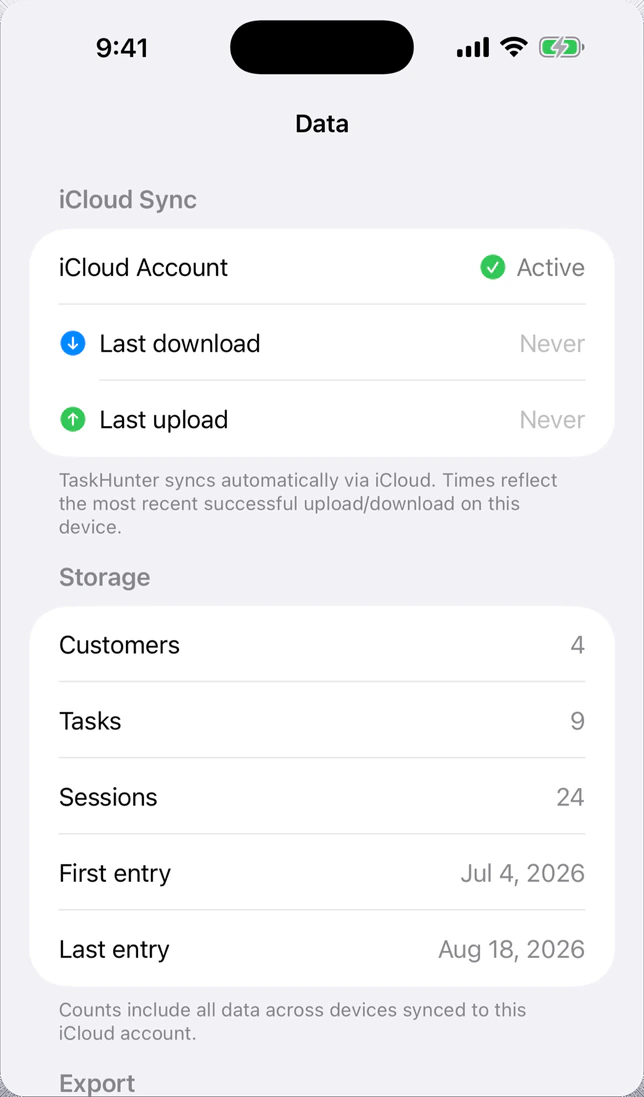
The timer, statistics and export on iPhone. Select an image to enlarge it.
Good to know
Where is my data stored?
Your data stays on your devices and in your private iCloud container. TaskHunter has no separate account, advertising or analytics.
Which devices and languages are supported?
iPhone with iOS 17 or later, iPad with iPadOS 17 or later, and Mac with macOS 14 or later. The app is available in English, Czech, German and Spanish.
Does TaskHunter create invoices?
TaskHunter exports tracked sessions, durations and earnings by client. Use the report to prepare an invoice in your invoicing tool or spreadsheet.
Can I use the timer without opening the Mac window?
Yes. The menu bar control lets you start or pause a task and check its elapsed time.
Get TaskHunter
